Pillar Page
Password Security Tips: Keeping Your Online Accounts Secure
Essential password security tips to create strong passwords and keep online accounts safe.
Introduction
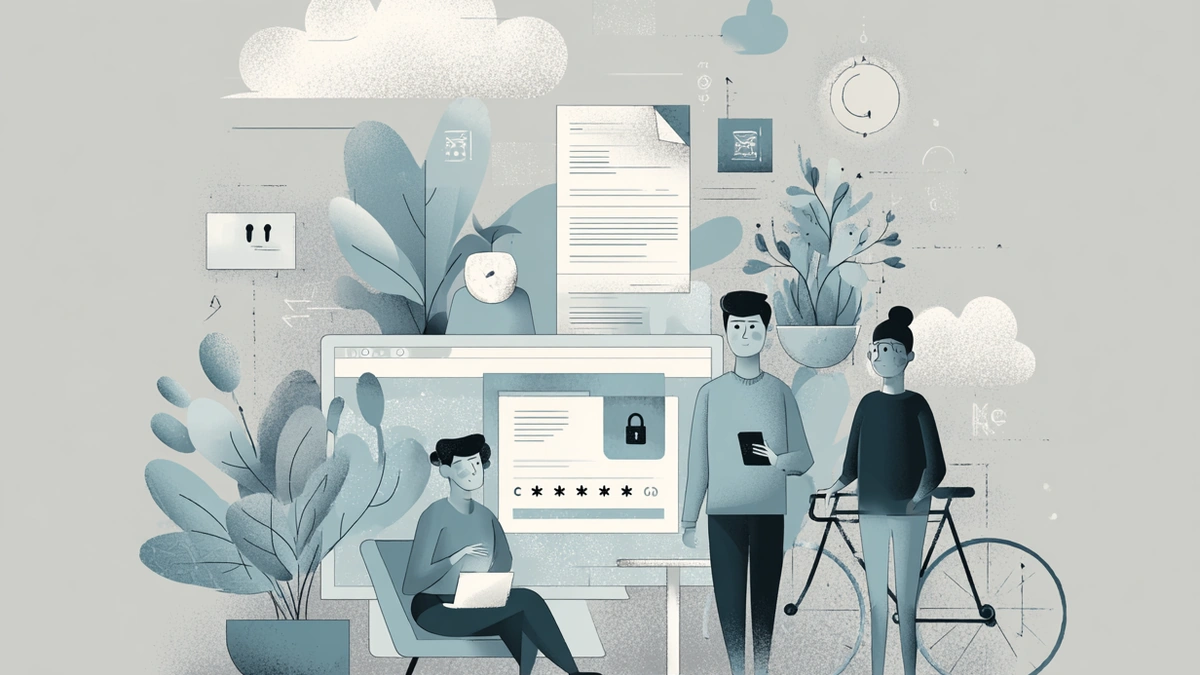
Passwords are the first line of defense for most online accounts. Weak or reused passwords make it easy for attackers to access personal information, financial data, and private communications.
Password security focuses on creating strong, unique passwords and managing them safely. This page explains essential password security principles and practical steps users can take to reduce account-related risks across websites and devices.
Strong Password Basics
Strong passwords help prevent unauthorized access and protect sensitive accounts.

Key Points
Weak passwords are easy to guess or crack.
Simple patterns reduce password strength.
Password length matters more than complexity alone.
Practical Tips
Use long passwords with a mix of characters.
Avoid common words or predictable patterns.
Do not use personal information in passwords.
Create passwords that are hard to guess but easy to manage.
“A strong password is one that is difficult for others to guess and easy for you to manage safely.
Password Reuse Risks
Reusing the same password across multiple accounts significantly increases security risks.
Key Points
One leaked password can expose multiple accounts.
Data breaches often affect many services at once.
Attackers commonly test reused passwords.
Practical Tips
Use a unique password for each important account.
Prioritize unique passwords for email and financial accounts.
Change reused passwords immediately after a breach.
Review accounts regularly for reused credentials.
Using Password Managers Safely
Password managers help users store and generate strong passwords without memorizing each one.
Key Points
Password managers reduce the need to remember passwords.
They help generate unique and strong passwords.
Security depends on protecting the master password.
Practical Tips
Choose a reputable password manager.
Use a strong master password.
Enable security features like auto-lock.
Keep password manager software up to date.
Two-Factor Authentication and Passwords
Two-factor authentication (2FA) adds an extra layer of protection beyond passwords.

Key Points
Passwords alone may not stop account access.
2FA reduces the impact of stolen passwords.
Different types of 2FA offer varying security levels.
Practical Tips
Enable 2FA on important accounts.
Prefer app-based or hardware-based 2FA.
Avoid sharing verification codes.
Store backup codes securely.
“Passwords protect accounts, but two-factor authentication helps protect passwords.
Managing and Updating Passwords
Regular password management helps maintain long-term account security.
Key Points
Old passwords may become exposed over time.
Infrequent updates increase risk.
Account monitoring improves awareness.
Practical Tips
Change passwords after known breaches.
Review account security settings periodically.
Remove unused or inactive accounts.
Keep a record of important account recovery options.
✅ Do
Update passwords when security risks appear.
❌ Don’t
Change passwords frequently without reason or structure.
Summary
Password security is a critical part of online safety. By creating strong passwords, avoiding reuse, and using tools like password managers and two-factor authentication, users can significantly reduce the risk of account compromise.
Consistent password habits provide long-term protection across online services.